Categories
A category is a bucket of assignments with a name, a weight, and a color: Homework at 20, Quizzes at 30, Tests at 50. Every assignment goes in exactly one category, and the category's weight says how much that kind of work counts. Categories belong to the classroom, so two classrooms can weigh the same kind of work differently.
How a grade is computed
Three steps, each simple on its own.
- Each graded assignment becomes a percentage: points earned over points possible.
- Each category average is the plain mean of its percentages. A 10-point quiz and a 100-point quiz pull the same amount within their category.
- The term grade is the weighted average of the category averages.
| Category | Weight | Average |
|---|---|---|
| Homework | 20 | 90% |
| Quizzes | 30 | 85% |
| Tests | 50 | 92% |
(90 × 20 + 85 × 30 + 92 × 50) ÷ (20 + 30 + 50) = 89.5%
Three details follow from the arithmetic:
- Weights are normalized by their total. 20/30/50 and 2/3/5 give the same grade, so weights need not add up to 100.
- An empty category is skipped. A category with no graded work is left out of the average rather than dragging it down. Tests count for nothing until the first test is graded.
- Blank is not zero. An assignment left blank is not graded yet and does not count. A zero is a grade and counts in full.
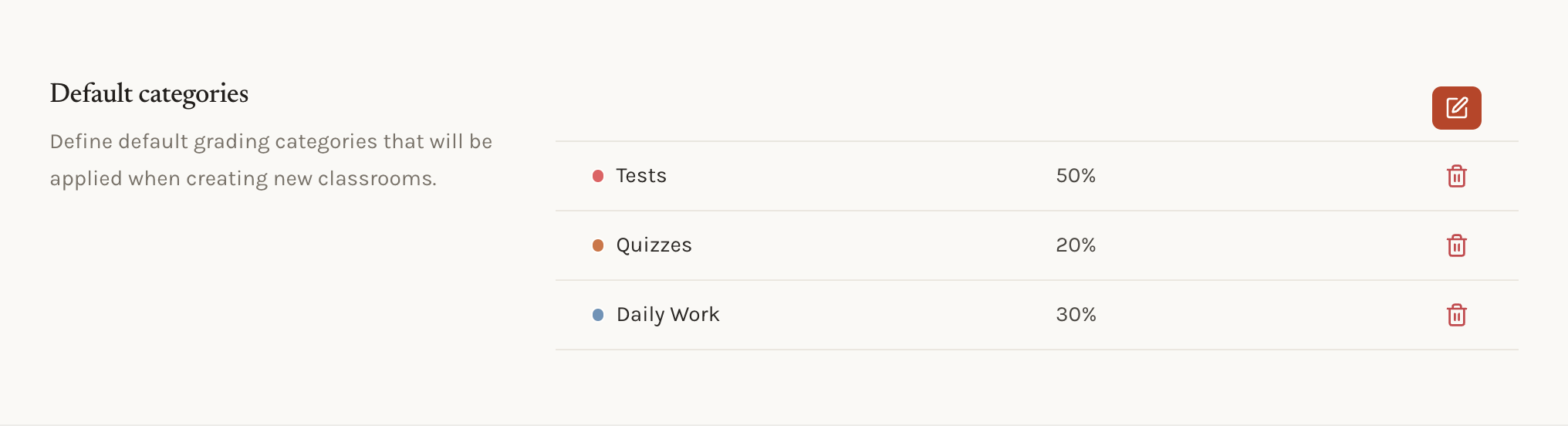
Default categories
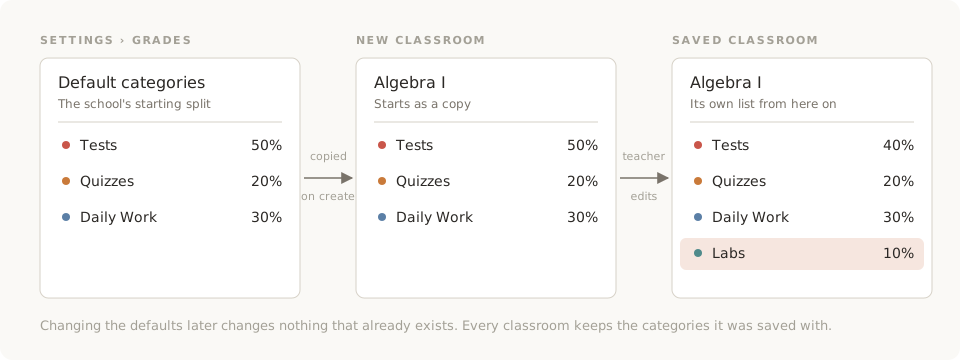
Administrators set default categories once, in Settings › Grades. Give each a name, a weight, and a color. When anyone creates a classroom, the form starts with a copy of that list. The teacher can keep it, rename a category, change a weight, or delete the lot and start fresh before saving.
Because it is a copy:
- Changing the defaults changes nothing that exists. Classrooms created last month keep the categories they were created with. Update them classroom by classroom if they need to match.
- The defaults are a suggestion, not a rule. A teacher who needs a Labs category adds it on the classroom. Nothing in the school settings blocks that.
Categories on a classroom
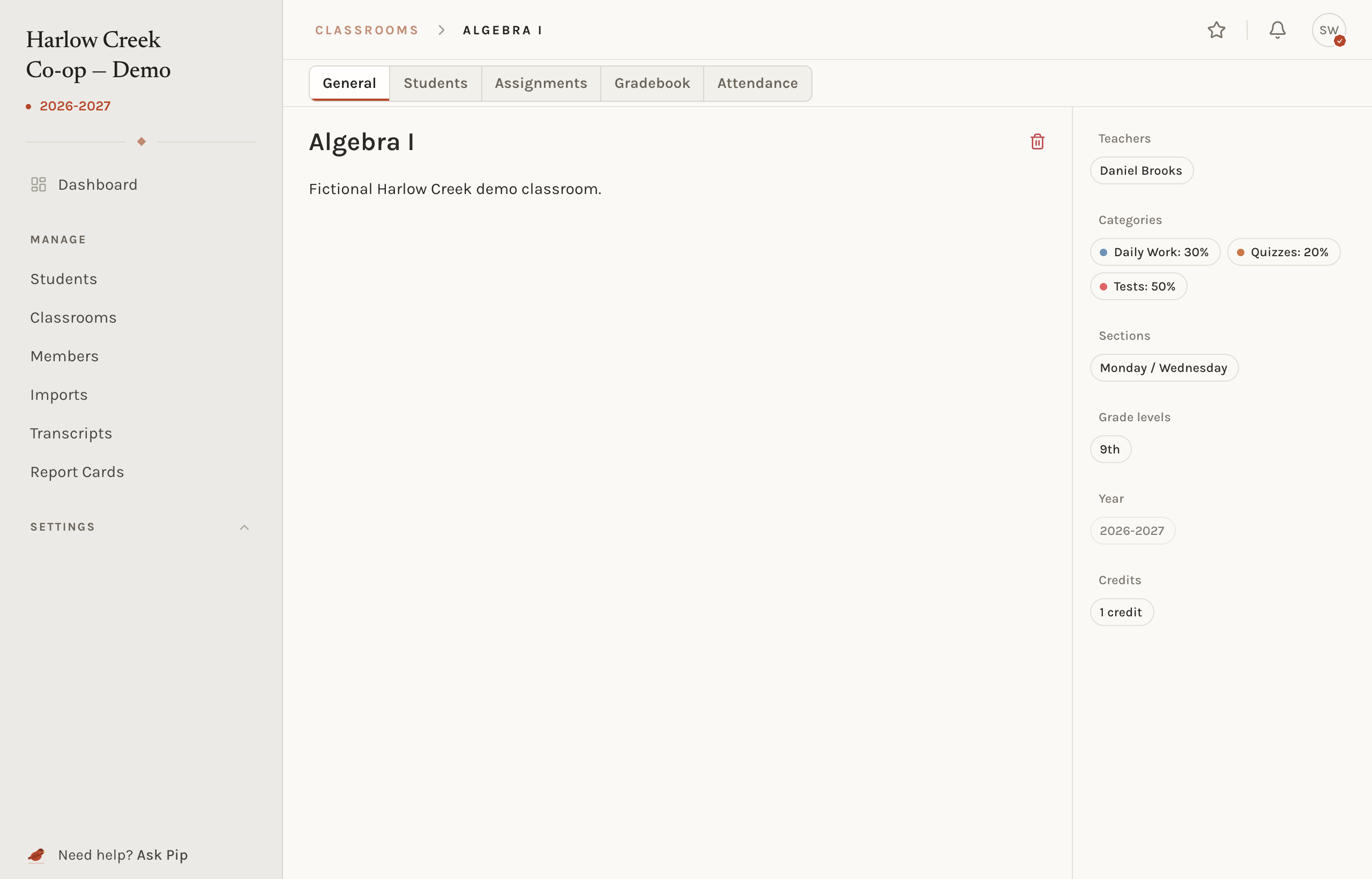
A classroom's General tab lists its categories with their weights. Edit the classroom to add, rename, recolor, or reweight them. Changing a weight recomputes every student's term and final grade in that classroom the next time they are read. Nothing is lost; the percentages are weighed again.
Where categories show up
- The gradebook groups columns by category, shows each category's weight in the header, and can filter to one category at a time.
- The assignment form asks for a category, and every assignment has one.
- The student page and the family view show the category averages under each term grade, so a parent can see that Tests are the problem, not Homework.
Common situations
- A category needs to count more. Raise its weight on the classroom. Every grade in the classroom follows on the next read.
- A teacher deleted a category the school wants everywhere. Add it back on that classroom. The defaults only reach classrooms that are created after them.
- Two teachers share a classroom and disagree on weights. There is one set of categories per classroom. Agree, or split the classroom.
Choosing defaults
Pick the split most classrooms use and let the exceptions edit. A school where every teacher weighs differently is better served by a short list with round weights than by a long list that everyone deletes. Colors are only a visual aid in the gradebook; choose ones that stay distinct side by side.
Related concepts
Categories weigh work inside one term. How terms combine into a final grade is a terms matter, and the letter a percentage earns is a grading scale matter.